
Updated:
Website SEO software helps you find and fix the issues that keep your site from showing up in search results. It can crawl your pages, check for technical problems, suggest keywords, and track rankings. But no tool can guarantee a top position, and Google itself warns against trusting any software that promises guaranteed performance. The real value is in saving time on repetitive checks and giving you a clear, prioritized list of improvements.
What Website SEO Software Actually Does

At its core, website SEO software automates the parts of search optimization that are tedious and error-prone when done by hand. Most tools fall into a few common categories:
- Site audits: Crawl your website to find broken links, missing meta tags, slow pages, and other technical issues.
- Keyword research: Suggest search terms people use, along with estimated search volume and competition.
- Rank tracking: Monitor where your pages appear in search results for specific keywords over time.
- Backlink analysis: Show which other websites link to yours and help you find new link opportunities.
- Content optimization: Analyze your pages against top-ranking content and suggest improvements to headings, text, and structure.
These features are useful, but they are only as good as the data behind them. Google's own documentation makes clear that crawling and indexing are separate processes, and a sitemap is just a way to tell Google about new or updated pages—it does not guarantee indexing. Google's overview of crawling and indexing explains this distinction.
What the Software Cannot Do
No SEO software can force Google to rank your page higher. Google's guidance on third-party SEO tools is blunt: tools cannot guarantee performance. Google Search guidance on third-party SEO tools and advice recommends evaluating any tool's claims against official documentation. If a vendor promises a specific ranking or a guaranteed increase in traffic, that is a red flag.
Software also cannot replace human judgment. It can flag a missing meta description, but it cannot write one that matches your brand voice and answers the searcher's intent. It can suggest keywords, but it cannot tell you which ones will actually bring customers. The best results come from combining software's efficiency with your own knowledge of your business and audience.
How to Evaluate Website SEO Software
Before you pay for a tool, define what you need it to do. A small business with one website may only need a simple site audit and rank tracker. An agency managing dozens of clients will need multi-site reporting, white-label reports, and workflow features. Agency SEO software has different requirements than a tool for a single site.
Here are the criteria that matter most:
- Accuracy of data: Does the tool use reliable sources for keyword volume and rankings? Can you verify its numbers against Google Search Console?
- Ease of use: Will your team actually use it, or will it sit unused after the first week?
- Actionable recommendations: Does it tell you what to fix and why, or just dump a list of errors?
- Integration: Does it connect with Google Search Console, Google Analytics, and your content management system?
- Cost vs. value: Are you paying for features you will never use?
For small businesses, the decision often comes down to simplicity and cost. A buyer's comparison checklist for small business SEO software can help you match a tool's capabilities to your goals.
Common Mistakes to Avoid

Many teams buy SEO software for the wrong reasons. They want a magic button that will push their site to the top of Google. When that does not happen, they blame the tool and switch to another one, repeating the cycle. The problem is not the software; it is the expectation.
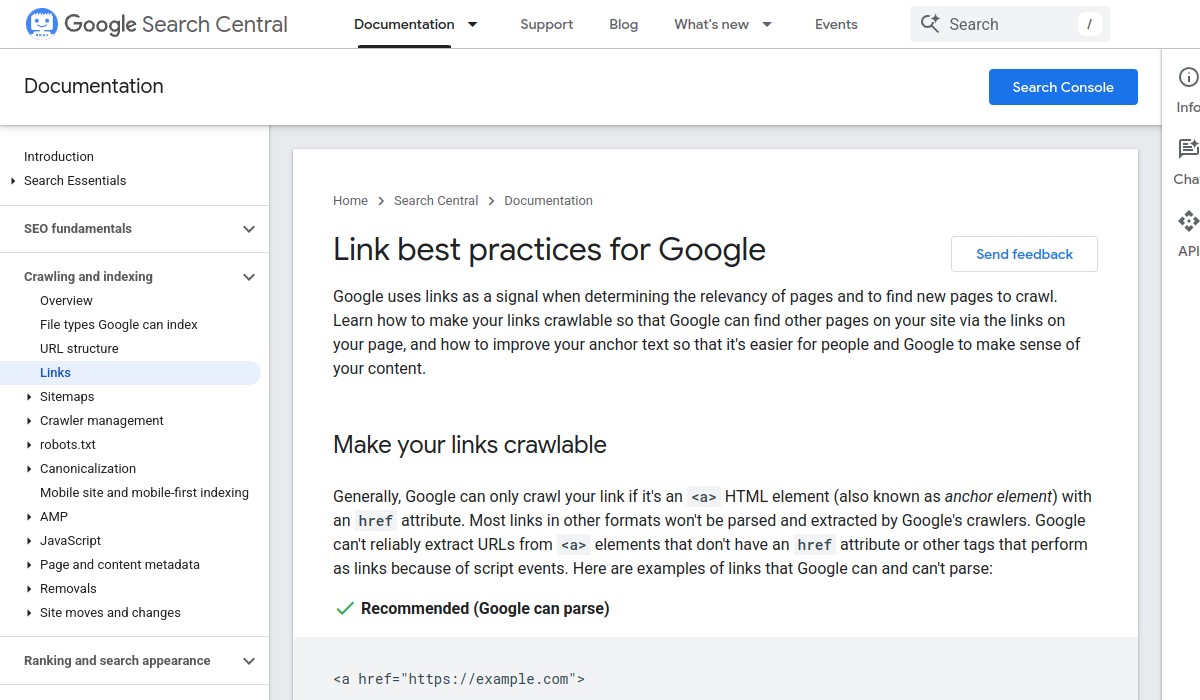
Another mistake is ignoring Google's own guidance. Google recommends crawlable anchor elements, descriptive and concise anchor text, and contextual internal links. It also recommends citing useful external sources when doing so helps readers. Link best practices for Google are a good starting point. Software that encourages you to build links in ways that violate these guidelines can do more harm than good.
Finally, do not overlook the basics. Google recommends helping it discover images and optimizing the pages on which those images appear. Google image SEO best practices are often ignored by tools that focus only on text. A good website SEO tool should cover all the technical foundations, not just the trendy features.
How Vigilnode Fits In
Vigilnode is an AI SEO and GEO service that helps local businesses improve visibility in Google Search, Google Maps, and AI-driven search results. It combines website improvement, Google profile optimization, and AI-targeted content creation. Unlike a standalone tool that only gives you data, Vigilnode carries out the approved work and leaves a receipt for every finished action. This can save time for business owners who do not have the expertise or hours to act on software recommendations themselves.
If you are evaluating AI-powered local SEO software, it is worth understanding the common mistakes before you commit. Seven AI local SEO software mistakes can help you avoid wasting budget on tools that automate the wrong tasks.
Your Next Step
Start by auditing your current website with a free tool like Google Search Console. It will show you how Google sees your site, which pages are indexed, and what errors need fixing. Then, decide whether you need a more comprehensive tool or a service that does the work for you.
If you are short on time or expertise, consider a service like Vigilnode that combines software with human oversight. But do not take any vendor's word for it—ask for a clear explanation of what they will do, how they measure success, and what happens if you cancel. The right choice is the one that matches your goals, your budget, and the time you can realistically invest.
Frequently Asked Questions
What are the best website builders for SEO?
There is no single best website builder for SEO. The right choice depends on your technical comfort, budget, and the features you need. Look for a builder that gives you control over meta tags, headings, URL structure, and mobile performance. Google's guidance on third-party SEO tools applies here too: evaluate any builder's SEO claims against official documentation.
Can website SEO software guarantee higher rankings?
No. Google explicitly warns that no tool can guarantee performance. Any software that promises a specific ranking or guaranteed traffic increase is making a claim that Google says is not possible. Use software to find issues and prioritize fixes, but treat rankings as an outcome you influence, not control.
Is free SEO software enough?
Free tools like Google Search Console and Google Analytics are essential and often sufficient for basic monitoring. Paid tools add convenience, deeper data, and workflow features, but they are not required to improve your site. Start with free tools, identify gaps, and only pay for features that solve a real problem.