
Updated:
Most agency SEO software demos look impressive. The real question is whether the tool will hold up across multiple clients, produce work you can defend, and fit the way your team already operates. This guide separates what a good choice must accomplish from what you should verify before paying. It also flags the promises that Google itself says no tool can guarantee.
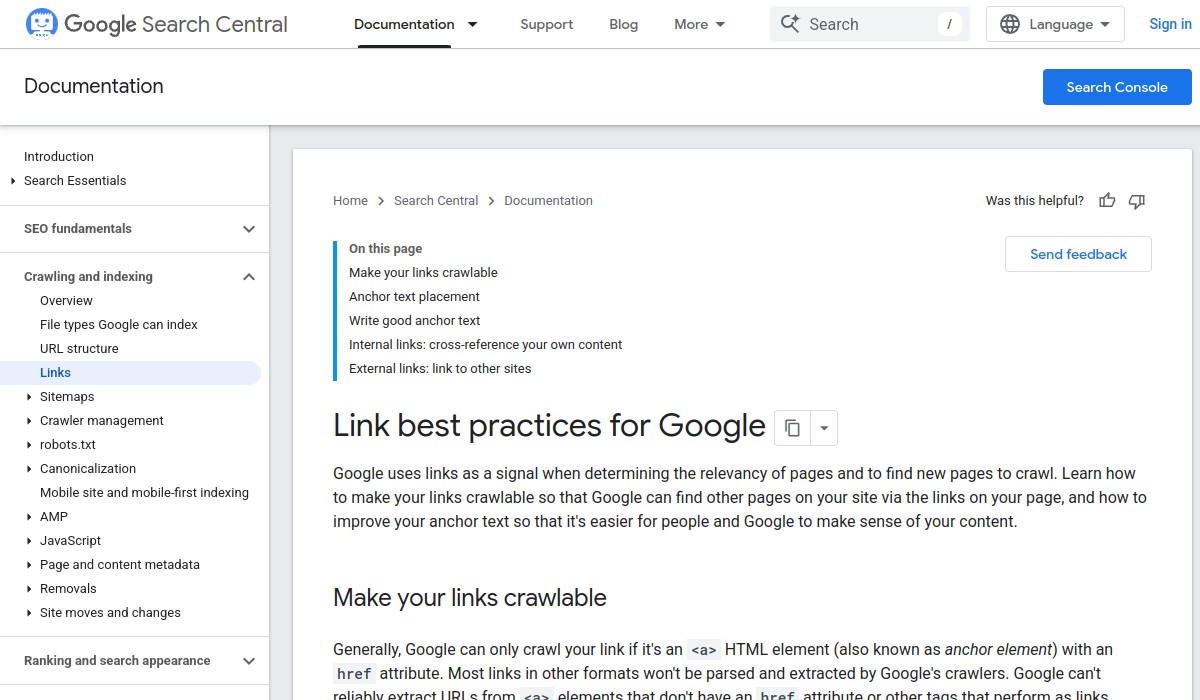
Verified source context: Google recommends crawlable anchor elements, descriptive and concise anchor text, and contextual internal links. It also recommends citing useful external sources when doing so helps readers. Read Link best practices for Google.
What a Good Choice Must Accomplish

Before comparing features, define the outcome you need. For an agency, the software should reduce repetitive work without hiding the reasoning behind recommendations. It should help you deliver consistent, explainable work across client accounts. And it should make reporting easier, not turn every month-end into a manual data merge.
Google’s guidance on third-party SEO tools is blunt: evaluate any tool’s advice against official documentation, and be skeptical of performance guarantees. Google Search guidance on third-party SEO tools and advice makes clear that no tool can promise rankings. A good choice helps you do better work; it does not sell certainty.
For local-business clients, the same principle applies. Google says local results are mainly based on relevance, distance, and prominence. A useful tool will help you keep business information accurate and complete, but it cannot override those fundamentals.
Evaluation Criteria That Matter
Use these criteria to shortlist tools before you book a demo. They are ordered by how much they affect daily agency work.
1. Multi-client workflow and permissions
Can you switch between client accounts without logging out? Are permissions granular enough to let a junior analyst see data without giving them billing access? If the tool forces a single shared login or charges per seat in a way that punishes team growth, it will create friction later.
2. Reporting that clients can understand
Agencies often spend more time formatting reports than acting on them. Look for software that exports clean, branded reports with the metrics your clients actually ask about. If you have to paste screenshots into a slide deck every month, the tool is not saving you time.
3. Data accuracy and source transparency
Ask where the tool gets its rank-tracking data, how often it refreshes, and whether it distinguishes between personalized and non-personalized results. If the vendor cannot explain its methodology, treat that as a warning sign.
4. Technical audit depth
A good crawler should find issues that matter: broken internal links, orphan pages, missing canonical tags, slow-loading templates. It should also let you filter out noise. A tool that reports 10,000 “issues” without prioritization is not helpful.
5. White-label or agency-friendly branding
If you plan to share dashboards or reports directly with clients, the software should let you remove its own branding. This is a basic agency requirement, not a premium feature.
6. Integration with your existing stack
Check whether the tool connects to Google Search Console, Google Analytics, Google Business Profile, and the project management or CRM tools you already use. Manual data entry is a hidden cost.
Red Flags to Avoid

Some vendors use language that sounds reassuring but means little. Watch for these patterns.
- Guaranteed rankings or traffic. Google explicitly warns that no tool can guarantee performance. If a salesperson promises a specific position or traffic increase, walk away.
- “Proprietary AI” with no explanation. Every tool now claims AI. Ask what the AI actually does: Does it generate content? Prioritize tasks? Predict rankings? If the vendor cannot explain the mechanism, it is probably a thin wrapper.
- Opaque pricing. If you cannot find a public price or get a straight answer on per-seat costs, expect surprises at renewal.
- Lock-in through data export limits. Make sure you can export your data in a usable format. If the only export is a PDF, you are renting your own work.
- Overloaded dashboards. A dashboard with 40 widgets may look impressive, but if your team cannot find the three numbers that matter, it is a distraction.
Questions to Ask Before You Commit
Use these questions in a demo or sales call. Write down the answers and compare them across vendors.
- How does the tool handle multiple client workspaces? Is there a limit on the number of sites or keywords?
- Can I create custom reports with my own branding and schedule them to send automatically?
- Where does your rank-tracking data come from, and how often is it updated?
- What does your technical audit check, and how do you prioritize issues?
- Can I export all my data in CSV or API format at any time?
- What is your pricing per seat, and what happens when I add a new team member?
- Do you have a trial or a way to test with one real client project before paying?
Final Decision Checklist
Print this checklist or copy it into your evaluation notes. Mark each item as you verify it.
| Checklist item | Yes | No |
|---|---|---|
| Supports multiple client workspaces with separate permissions | ☐ | ☐ |
| Offers white-label or branded reporting | ☐ | ☐ |
| Exports data in CSV or via API | ☐ | ☐ |
| Explains its data sources and refresh frequency | ☐ | ☐ |
| Provides a technical audit with prioritized issues | ☐ | ☐ |
| Has transparent, per-seat pricing | ☐ | ☐ |
| Offers a trial or pilot with a real client project | ☐ | ☐ |
| Does not promise guaranteed rankings or traffic | ☐ | ☐ |
If you cannot check “Yes” on at least six of these eight items, keep looking. The right software should make your agency more efficient and your recommendations more defensible—not add another layer of uncertainty.
For a deeper look at how AI-powered tools fit into local SEO work, see AI-powered local SEO software: A Practical Buyer’s Guide. If you are evaluating tools for Google Business Profile optimization specifically, Google Business Profile Optimization: A Buyer’s Guide for Local Businesses covers the criteria that matter for map visibility.