
Updated:
Choosing AI-powered local SEO software is not about finding the tool with the most features or the boldest claims. It is about matching a tool's actual capabilities to the outcomes you need: better visibility in local search results, more qualified traffic, and content that earns trust. This article gives you a practical, ordered process to prepare for the decision, compare options, and verify that the software you choose actually delivers.
Article checklist:
- Before You Compare: Define the Outcome and Prerequisites
- Step 1: Shortlist Tools That Match Your Core Needs
- Step 2: Verify Claims Against Google's Official Guidance
- Step 3: Evaluate Features in Depth
- Step 4: Compare Pricing and Contract Terms
- Step 5: Test with a Trial or Demo
- Step 6: Verify Results After Implementation
- Common Mistakes to Avoid
- Next Step: Make an Informed Decision
Before You Compare: Define the Outcome and Prerequisites

Start by defining what you need the software to accomplish. For most local businesses, the core outcome is improved visibility in Google Search and Maps for relevant local queries. Google explains that local results are primarily based on relevance, distance, and prominence, and a complete, accurate Business Profile helps the business appear for those searches. So your software should help you maintain that profile accurately and efficiently.
Also consider whether you need help with AI-driven search visibility. Google's guidance on AI features is clear: helpful, reliable, people-first content and standard technical SEO apply to both regular Google Search and Google's AI features. There is no special optimization or additional technical requirement for Google AI Overviews or AI Mode. So if a tool promises special AI optimization, treat that as a red flag.
Before you start comparing, list your must-have capabilities. For example:
- Google Business Profile management (updating hours, services, photos, posts)
- Local keyword research and tracking
- Review monitoring and response workflows
- Content creation and publishing support
- Reporting on local rankings and visibility
Also note your budget and the number of locations you need to manage. This preparation will keep you focused when vendors show you dashboards full of features you may never use.
Step 1: Shortlist Tools That Match Your Core Needs
Start with a broad list of AI-powered local SEO tools. You can find candidates through search, recommendations, and industry reviews. But do not rely on marketing claims alone. Look for tools that explicitly support the capabilities you listed in the preparation step.
For each tool, check its official website and documentation. Does it clearly describe how it handles Google Business Profile updates? Does it offer local rank tracking? Does it integrate with your existing workflow? If a tool's website is vague about these specifics, that is a warning sign.
Create a simple comparison table with your must-have features as rows and the tools as columns. Mark each cell with Yes, No, or Unclear. This will help you eliminate tools that do not meet your core requirements before you invest time in demos or trials.
Step 2: Verify Claims Against Google's Official Guidance
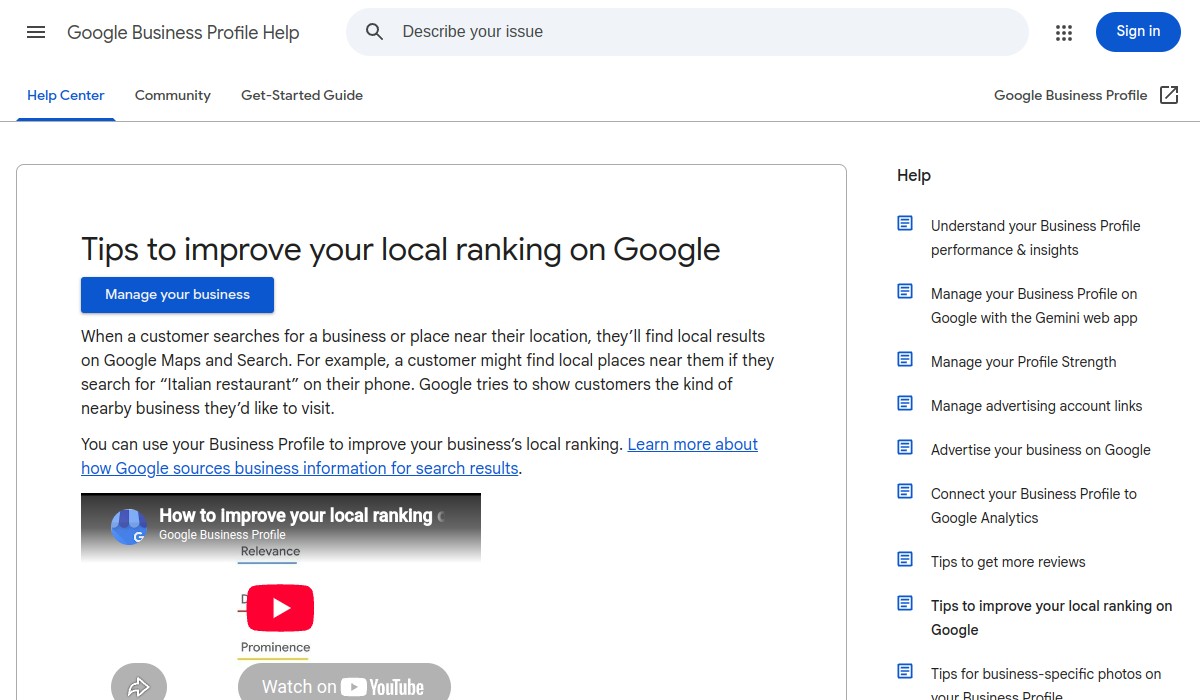
Many tools make promises about improving local rankings or AI visibility. Before you believe them, check Google's own documentation. Google provides tips to improve your local ranking on Google, which state that local results are mainly based on relevance, distance, and prominence. No tool can guarantee a specific ranking, and Google explicitly warns that tools cannot guarantee performance in its guidance on third-party SEO tools and advice.
For AI features, Google's guidance is that established Search SEO practices remain relevant, and there is no special optimization required for AI Overviews or AI Mode. A page must be indexed and eligible for a Search snippet to be eligible as a supporting link, but crawling, indexing, rankings, and inclusion are never guaranteed. So if a tool claims it can get your business into AI answers or guarantee AI visibility, that claim is not supported by Google's documentation.
Use this verification step to filter out tools that rely on unsupported promises. A trustworthy tool will align its claims with what Google actually says.
Step 3: Evaluate Features in Depth
Once you have a shortlist of tools that pass the claim check, dig into their features. For each tool, ask these questions:
- Google Business Profile management: Can it update all relevant fields, including hours, services, attributes, and photos? Does it support multiple locations?
- Local keyword tracking: Does it track rankings in the local pack and organic results for your target keywords? How frequently does it update?
- Review management: Does it monitor reviews across platforms? Can you respond directly from the tool? Does it provide alerts?
- Content support: Does it help create or optimize local landing pages or blog posts? Does it follow Google's guidance on helpful, people-first content?
- Reporting: What metrics does it report? Can you see changes in visibility, clicks, or calls? Is the data easy to export?
Also consider the AI component. What exactly does the AI do? Does it automate repetitive tasks like profile updates or content suggestions? Does it provide insights you can act on? Be wary of tools that use AI as a buzzword without explaining the concrete benefit.
Step 4: Compare Pricing and Contract Terms

Pricing for local SEO software varies widely. Some tools charge per location, some per feature, and some have flat monthly fees. When comparing, calculate the total cost for your specific situation: number of locations, required features, and any add-ons.
Look beyond the sticker price. Check for:
- Setup fees or onboarding costs
- Minimum contract length
- Cost per additional location or user
- Limits on features like review responses or content generation
- Cancellation terms
Do not assume that a higher price means better quality. Focus on whether the tool delivers the capabilities you need at a price that fits your budget. Many tools offer free trials or demos, so take advantage of those to test before committing.
Step 5: Test with a Trial or Demo
Before making a final decision, use the tool in a real scenario. Most reputable tools offer a free trial or a guided demo. During the trial, perform the tasks you listed in your preparation step. For example:
- Update your Google Business Profile hours and add a photo.
- Set up tracking for your top five local keywords.
- Respond to a review from within the tool.
- Generate a draft blog post or landing page copy.
Pay attention to how intuitive the interface is and whether the tool saves you time. If you find yourself fighting the software or needing extensive support for basic tasks, it may not be the right fit.
Step 6: Verify Results After Implementation
After you choose a tool and start using it, you need to verify that it is actually helping. Do not rely solely on the tool's own dashboard, which may present data in a favorable light. Instead, use independent sources:
- Google Search Console: Check impressions and clicks for your local pages. Look for increases in queries containing local intent.
- Google Business Profile insights: See how many people viewed your profile, requested directions, or called. Compare before and after using the tool.
- Manual searches: Search for your target keywords in an incognito window and see where your business appears in the local pack and organic results. Note that results can vary by location and personalization, so use this as a rough check.
Remember that SEO changes take time. Do not expect immediate jumps in rankings. Instead, look for consistent improvement over several weeks or months. If you see no change or a decline, investigate whether the tool is actually implementing the changes it claims.
Common Mistakes to Avoid
When choosing and using AI-powered local SEO software, avoid these common pitfalls:
- Believing guaranteed rankings: No tool can guarantee a specific ranking. Google's guidance is clear that tools cannot guarantee performance.
- Ignoring Google's official guidance: Some tools recommend practices that contradict Google's documentation. Always check against official sources.
- Overpaying for unused features: Many tools bundle features you may never use. Choose a tool that matches your actual needs.
- Neglecting the human element: AI can automate tasks, but you still need to review content, respond to reviews authentically, and make strategic decisions.
- Not verifying results independently: Relying only on the tool's dashboard can give a skewed picture. Use Google's own tools to confirm.
Next Step: Make an Informed Decision
Choosing AI-powered local SEO software is a significant decision. By following this process—defining your needs, shortlisting, verifying claims, evaluating features, comparing pricing, testing, and verifying results—you can avoid costly mistakes and select a tool that genuinely helps your business.
If you want to explore further, our AI-powered local SEO software buyer's guide provides additional evaluation criteria and red flags. For a broader look at AI SEO tools, see our best AI SEO tools comparison. And if you're interested in how an AI SEO agent can help with Google Maps and AI search visibility, read our practical guide.
Frequently Asked Questions
What is the most important factor when choosing AI-powered local SEO software?
The most important factor is whether the tool's capabilities match your specific needs. Start by defining the outcomes you want—such as improved Google Business Profile accuracy or better local keyword tracking—and then shortlist tools that explicitly support those capabilities. Avoid tools that rely on vague promises or unsupported claims.
Can AI-powered local SEO software guarantee higher rankings?
No. Google's guidance is clear that no tool can guarantee specific rankings. Local results are primarily based on relevance, distance, and prominence, and while software can help you maintain accurate information and follow best practices, it cannot control Google's algorithms. Be wary of any tool that promises guaranteed rankings.
How do I verify that the software is actually working?
Use independent sources like Google Search Console and Google Business Profile insights to track changes in impressions, clicks, and profile interactions. Compare these metrics before and after implementing the tool. Remember that SEO changes take time, so look for consistent improvement over several weeks or months rather than immediate jumps.
What are common mistakes to avoid when choosing local SEO software?
Common mistakes include believing guaranteed rankings, ignoring Google's official guidance, overpaying for unused features, neglecting the human element in content and review responses, and not verifying results independently. Always align your choice with Google's documented best practices and your actual business needs.