
Updated:
Small business owners often ask, "What is the best SEO software?" The honest answer is that no single tool is best for everyone. The right choice depends on your business goals, the search platforms you care about, and the time you can invest. This guide gives you a practical framework to compare options without hype, so you can choose software that fits your needs and budget.
What a Good Choice Must Accomplish

Before comparing features, define the outcome you need. For most small businesses, good SEO software should help you:
- Understand how your site performs in Google Search and Google Maps.
- Identify practical improvements you can make without a full-time SEO expert.
- Track whether your visibility is improving over time.
- Save time on repetitive tasks like keyword research or content updates.
Google's own guidance is clear: no tool can guarantee rankings or traffic. Google recommends evaluating third-party SEO advice against official guidance and warns that tools cannot guarantee performance. So a good choice is one that helps you follow Google's published best practices, not one that promises instant results.
Evaluation Criteria That Matter
Use these criteria to compare any SEO software for small businesses:
- Google Search and Maps coverage: Does the tool help with both website SEO and Google Business Profile optimization? Local businesses need both.
- AI search visibility: Does the tool address visibility in AI-driven search results like ChatGPT or Gemini? This is increasingly important, but be wary of tools that claim special AI optimization secrets. Google says there is no special optimization for AI features; standard SEO practices apply.
- Ease of use: Can you understand the reports and act on them without a technical background?
- Transparency: Does the tool show what it changed and why? Can you verify its work?
- Cost and contract: Is pricing clear? Can you cancel easily? Avoid long-term commitments before you see results.
For example, Vigilnode is an AI SEO and GEO service for local businesses. It offers Google Search and Maps SEO, website improvement, and AI-targeted blog article creation. If your business depends on local customers, a tool that covers both Google Maps and AI search visibility may be worth considering. But always verify that the tool's scope matches your needs.
Red Flags to Avoid

Watch for these warning signs when evaluating SEO software:
- Guaranteed rankings: Google explicitly says no tool can guarantee performance. If a vendor promises #1 rankings, walk away.
- Vague dashboards: If the tool only shows "SEO score" without explaining what changed, it's not actionable.
- Hidden costs: Some tools charge extra for essential features like local SEO or AI tracking. Read the fine print.
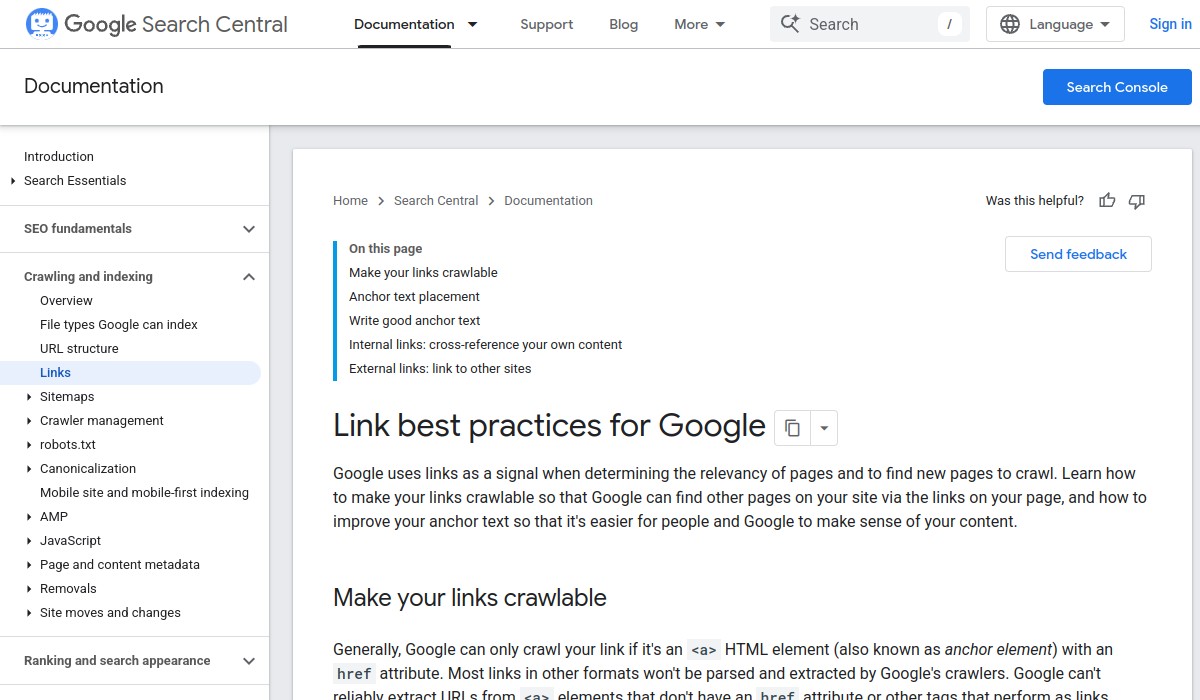
- Overemphasis on AI: AI can help with content and analysis, but it cannot replace fundamental SEO practices like crawlable links and helpful content. Google recommends crawlable anchor elements and contextual internal links, which are basic technical SEO.
Questions to Ask Before You Subscribe
Use these questions to shortlist tools:
- Does the tool help with both Google Search and Google Maps? If you serve local customers, Maps visibility is critical.
- Does the tool provide clear, step-by-step recommendations, or just data?
- Can you see a sample report before paying?
- What is the cancellation policy? Can you try it free for a week?
- Does the tool follow Google's published guidance? Ask for evidence.
For instance, Vigilnode offers a seven-day free trial for new Business workspaces, according to its refund policy. That allows you to test whether the tool fits your workflow before committing. Always check the current terms on the vendor's website.
Final Decision Checklist
Before you buy, confirm the software meets these minimum requirements:
| Checklist Item | Yes | No |
|---|---|---|
| Covers Google Search and Google Maps | ☐ | ☐ |
| Provides actionable recommendations, not just data | ☐ | ☐ |
| Transparent about what it changes and why | ☐ | ☐ |
| No guaranteed rankings or unrealistic promises | ☐ | ☐ |
| Clear pricing and easy cancellation | ☐ | ☐ |
| Offers a trial or demo before payment | ☐ | ☐ |
If you answer "No" to any item, reconsider the tool or ask the vendor for clarification.
Frequently Asked Questions
What is the best SEO tool for small businesses?
There is no single best tool. The best tool for you depends on your goals, budget, and whether you need local SEO, AI visibility, or both. Use the criteria in this guide to compare options.
Is SEO still worth it for small businesses in 2026?
Yes, if you rely on customers finding you through Google Search or Maps. SEO helps you appear for relevant searches, but it requires ongoing effort. Tools can save time, but they cannot replace a solid strategy.
Do I need separate tools for Google Maps and AI search?
Not necessarily. Some tools, like Vigilnode, cover both Google Maps SEO and AI search visibility. However, Google's AI features use standard SEO practices, so a tool that helps with basic SEO may be sufficient. Verify the tool's actual capabilities.
For more detailed guidance, see our AI-powered local SEO software buyer's guide or our best AI SEO tools comparison.